
Sophos Mobile Device Management
From
Manufacturer list priceManufacturer list price from:
You save 0.00 (0%)
plus % VAT of
Gross price:
Description
Learn more about Sophos Mobile Device Management
Manage mobile devices centrally
Sophos Mobile Device Management manages corporate devices, apps and security policies through a central console. This gives IT a shared overview and avoids repeating settings individually on each device. The licence was previously called Central Mobile Standard; the new name describes its focus on device management.
Android devices, iPhones, iPads, Macs and Windows computers are supported; available management features vary by platform and enrolment type. Android Enterprise work profiles and Apple User Enrollment are available for personal devices. They help separate business content from personal content.

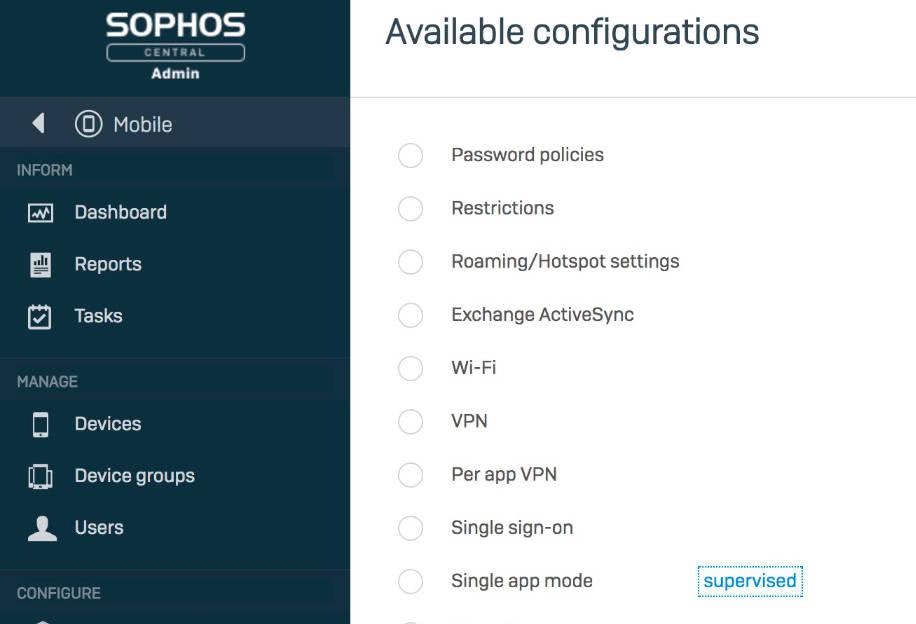
Define device profiles
Configuring Wi-Fi, VPN and device restrictions to a common standard saves repeated manual work. IT creates profiles for the supported platform and distributes them to the intended devices or groups.
Which settings can be enforced depends, among other factors, on whether a device is company-owned, supervised or uses only a work profile. You can therefore handle corporate and personal devices differently by design.
Compliance policies
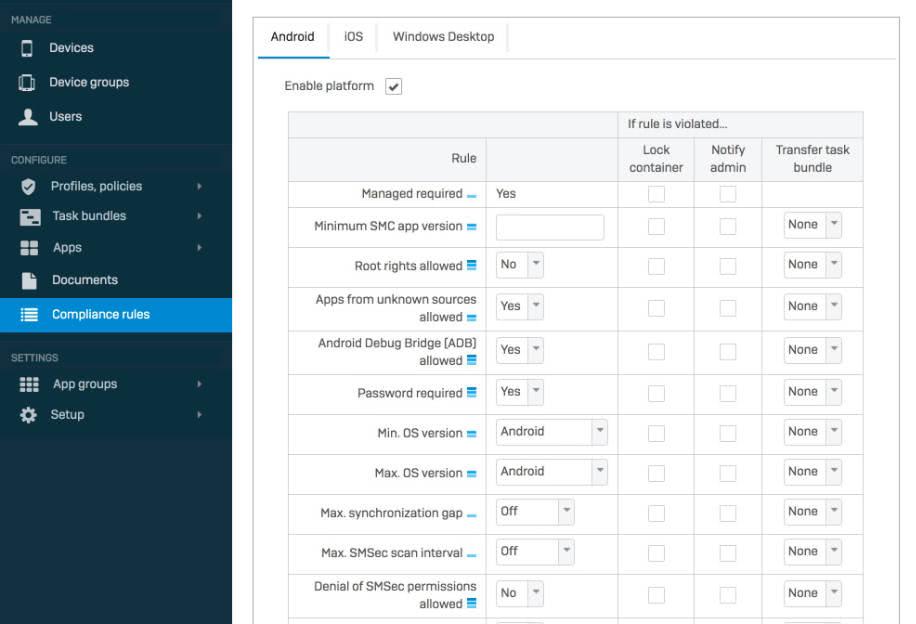
A missing passcode, outdated operating system or tampered device can put business data at risk. Compliance rules check these conditions and make deviations visible.
Supported actions can be configured for rule violations. The check alone does not automatically block all network access: the desired response and any further access controls must be configured.
App management
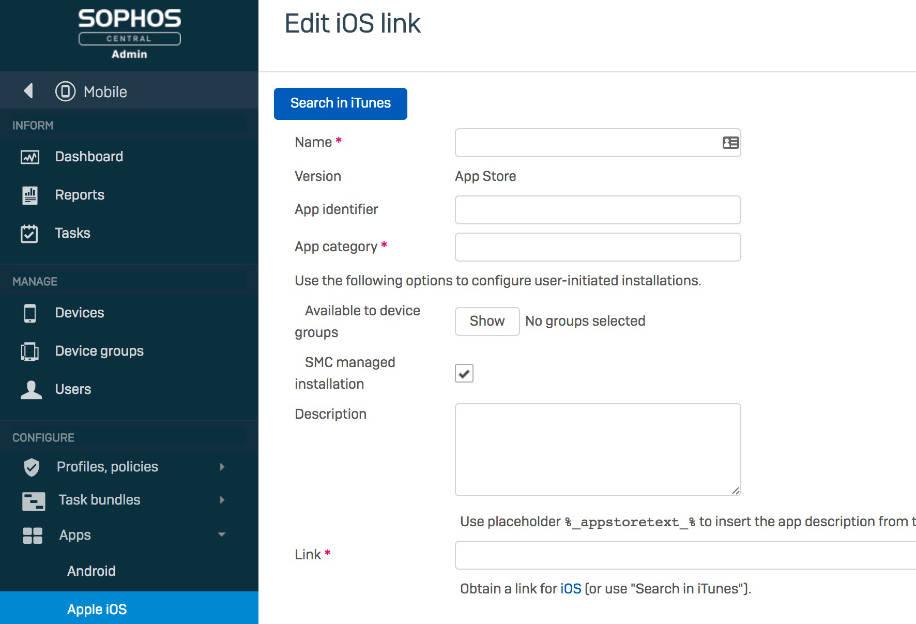
Deploy the required business apps centrally and define which apps may be used. Sophos Mobile supports distributing store apps and in-house applications within each platform’s capabilities.
Android Enterprise and Apple’s management services assist deployment. Enrolment, permissions and the required platform accounts must be configured. Licensing is per user; each device without an assigned user counts as one licence.
Sophos Mobile Device Management is the device management licence. Centrally managed threat defence with Intercept X for Mobile is not included here; Sophos Mobile, formerly Mobile Advanced, combines both.
Technical specifications
Sophos Mobile compared
Sophos Mobile Device Management manages devices and apps. Sophos Mobile combines it with Mobile Threat Defense, which is also sold separately. Features vary by platform and enrolment type. Secure Email and Secure Workspace are no longer supported.
Scroll the comparison table horizontally.
| Function | |||
|---|---|---|---|
| Device Management | — | ✓ | ✓ |
| Application Management | — | ✓ | ✓ |
| Separate business and personal data (work profile / User Enrollment) | — | ✓ | ✓ |
| Android Enterprise and Apple device management | — | ✓ | ✓ |
| Android malware and PUA detection | ✓ | — | ✓ |
| Web protection against malicious online content | ✓ | — | ✓ |
| Unsafe network detection (platform-dependent) | ✓ | — | ✓ |
| Device management platforms | — | Android, iOS/iPadOS, macOS, Windows | Android, iOS/iPadOS, macOS, Windows |
| Threat protection platforms | Android, iOS/iPadOS; ChromeOS through Sophos Chrome Security | — | Android, iOS/iPadOS; ChromeOS through Sophos Chrome Security |
Avanet Services
Let us improve your security
Our services help you operate Sophos products securely and reliably. Alongside support for Sophos firewalls and the Fusion platform, you can request these services at any time:
- Setup services
- Health check
- Upgrades
- Workshops
- Migrations
- Firewall maintenance
- SLA
- Security audits
Setup services
Want professionals to set up your Sophos products? We help with commissioning and configuration for smooth operation.
Migrations
Moving from an SG Firewall (UTM) to XGS with SFOS? Our experience helps make your migration straightforward.
Health check
Configured Sophos products yourself and want a review? We check your settings and provide recommendations.
Workshops
Responsible for Sophos products in your company? We offer focused training tailored to your needs.
Information materials
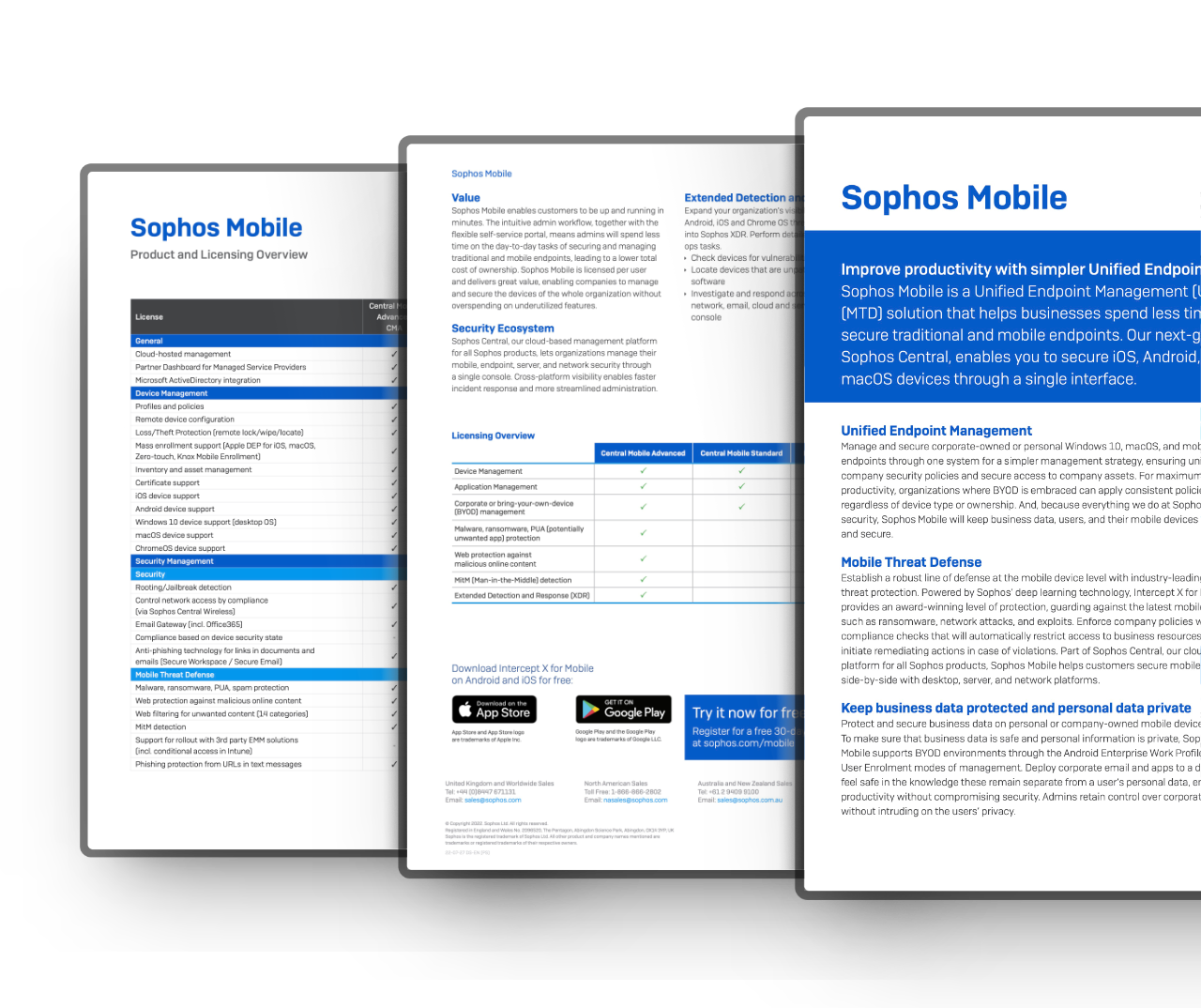
Deepen your knowledge and learn more about «Sophos Mobile»

Education & Government
Special terms for education and government
For eligible schools, universities and government organisations, we check available special terms for the Sophos products you need.*
We clarify your organisation’s classification and provide a no-obligation quotation.
Hinweis: Availability and terms depend on the product, region and organisation classification. Not every product has a separate EDU or GOV variant.
Request special pricing
Trial
Try Sophos products for free
Test available Sophos products in your own environment. Product trials offered in the console run for 30 days.
The right trial depends on the product and your account. We help clarify the features and requirements you need.
The central console brings together management and security information. Sophos is gradually introducing the name Sophos Fusion in place of Sophos Central.
The online demo provides a prepared environment for an initial look. Testing with your own devices requires registration and setup.
Buying help
Any questions about this product?
Ask before buying to make sure the selected product meets your needs.