
Sophos Email
From
Manufacturer list priceManufacturer list price from:
You save 0.00 (0%)
plus % VAT of
Gross price:
Description
Learn more about Sophos Email
Stop spam and unwanted emails
Email protection for Microsoft 365, Google Workspace and other email environments
Sophos Email checks messages for spam, phishing, malicious attachments and suspicious links. The cloud-based solution adds a centrally managed protection layer to your email environment. IT can define policies for users and groups and investigate why a message was delivered or held.
For Microsoft 365, gateway or mailflow integrations are possible depending on setup; other supported environments use gateway mode. The appropriate configuration depends on your email provider and required features. Sophos Email also includes Phish Threat for phishing simulations and user training. It is the base licence; Sophos Email Plus adds capabilities including longer histories and DMARC Manager.
Emergency inbox
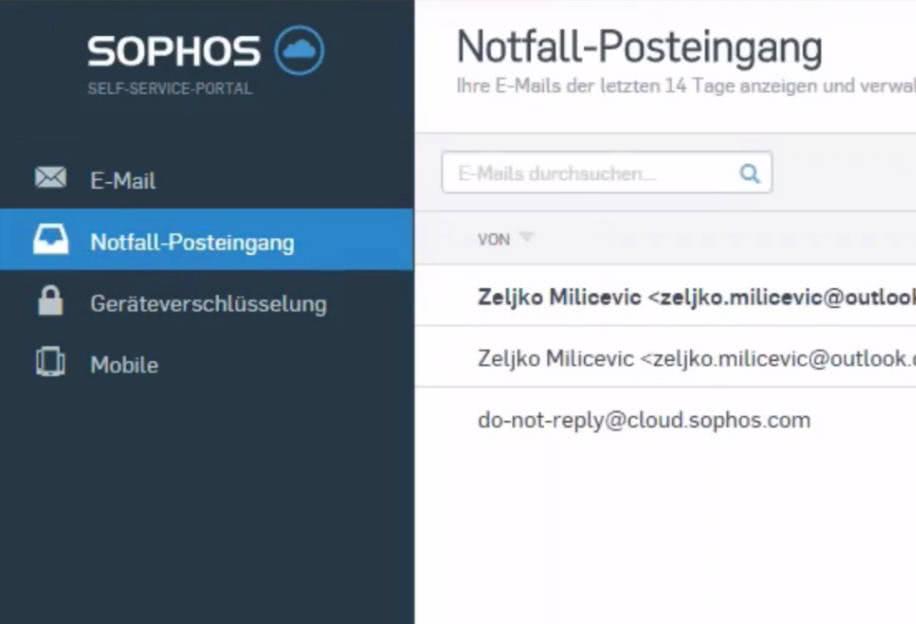
If the email client is unavailable or the mail server cannot receive messages, incoming emails remain accessible through the emergency inbox. Once IT enables it, users can see messages from the last 30 days and download attachments.
The emergency inbox is not a complete replacement for the email client: replies cannot be composed there. Important incoming information can therefore be read even when access to the normal mailbox is restricted.
Impersonation protection
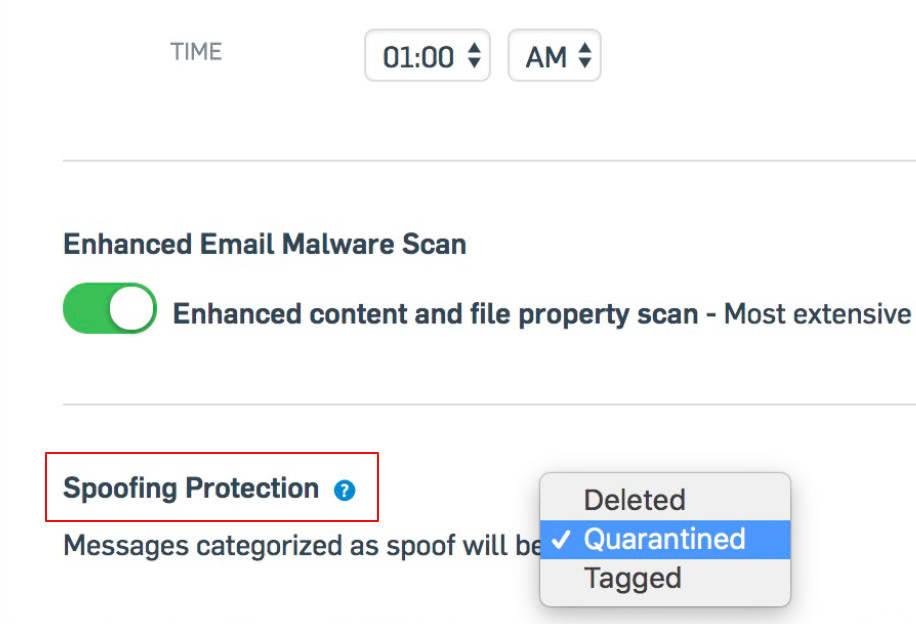
A familiar-looking sender address is not proof of authenticity. Sophos Email evaluates SPF, DKIM and DMARC, alongside signs of impersonated names or domains. This helps identify messages impersonating a known person or organisation.
IT defines which senders are protected and how suspicious messages are handled. These checks complement each other; basic DMARC checking is distinct from the separately licensed DMARC Manager.
Content filtering
Sophos Email combines spam and malware checks with policies for message content and attachments. Suspicious links can be checked again when clicked to detect destination pages that change later.
IT determines how detected messages are handled under each policy, for example quarantine or blocking. Content and data protection rules also help control the transmission of sensitive information. Regularly reviewing these settings keeps protection aligned with your business’s communication processes.
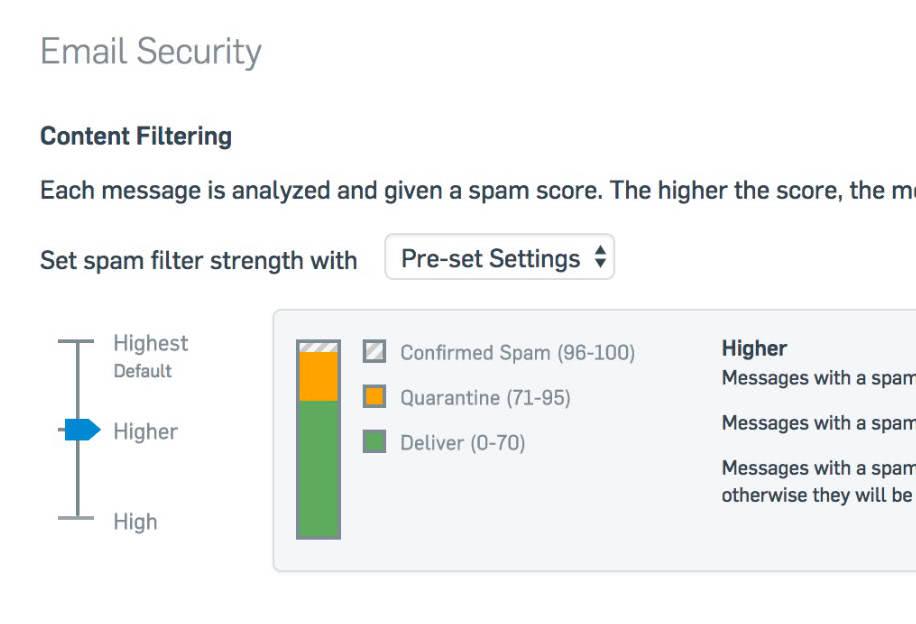
Email quarantine
Quarantine holds messages classified as spam, malicious or suspicious by the configured checks. Under the base licence, quarantined messages are retained for 30 days.
Administrators can check the reason and release legitimate messages. Quarantine summaries and the Self Service Portal help users review held emails; IT defines which actions users may perform themselves. Releasing a message should therefore not automatically create an exception for an unsafe sender.
Technical specifications
Sophos Email compared
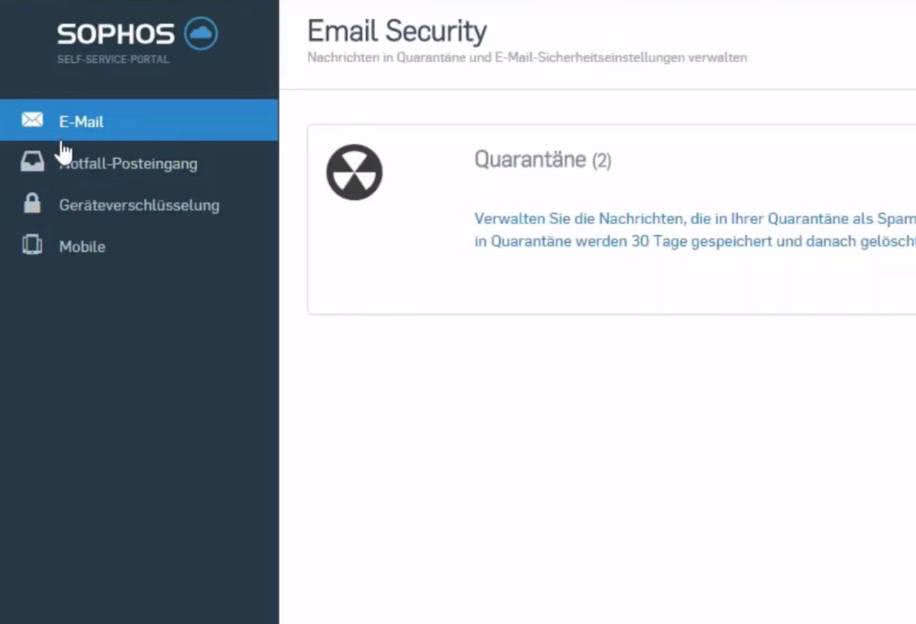
Both licences include Sophos Email’s core protection and Phish Threat. Email Plus adds longer history, DMARC Manager and more post-delivery options, among other features. Some functions require a supported email environment and suitable configuration.
Scroll the comparison table horizontally.
| Function | ||
|---|---|---|
| Inbound message scanning | ✓ | ✓ |
| Outbound message scanning | ✓ | ✓ |
| Domain, group and user policies | ✓ | ✓ |
| Quarantine options for administrators and users | ✓ | ✓ |
| Administrator allow/block lists | ✓ | ✓ |
| Directory synchronisation (AD, Microsoft Entra ID, Google) | ✓ | ✓ |
| Emergency Inbox once enabled (read-only, no replies) | 90 days | 30 days |
| Message history and quarantine | 90 days | 30 days |
| Antispam filter | ✓ | ✓ |
| DMARC Manager for your sending domains | Included | Add-on |
| Inbound SPF, DKIM and DMARC | ✓ | ✓ |
| Display name and impersonated domain analysis | ✓ | ✓ |
| Antivirus filter | ✓ | ✓ |
| URL checking at click time (Time of Click) | ✓ | ✓ |
| Cloud sandbox for suspicious attachments | ✓ | ✓ |
| Push-based email encryption | ✓ | ✓ |
| Enforced TLS encryption | ✓ | ✓ |
| Data Loss Prevention | ✓ | ✓ |
| Content control policies (keywords and file types) | ✓ | ✓ |
| Reporting dashboard and detailed reports | ✓ | ✓ |
| Role-based access through Sophos Fusion | ✓ | ✓ |
| Phish Threat: phishing simulations and awareness training | Included | Included |
| Message Replay: redeliver incoming messages | Up to 90 days; for supported messages | — |
| Contact Trace and Recall: recall internally forwarded messages | With a supported Microsoft 365 integration and enabled feature | — |
| Portal encryption with secure replies | Separate Portal Encryption add-on | Separate Portal Encryption add-on |
Avanet Services
Let us improve your security
Our services help you operate Sophos products securely and reliably. Alongside support for Sophos firewalls and the Fusion platform, you can request these services at any time:
- Setup services
- Health check
- Upgrades
- Workshops
- Migrations
- Firewall maintenance
- SLA
- Security audits
Setup services
Want professionals to set up your Sophos products? We help with commissioning and configuration for smooth operation.
Migrations
Moving from an SG Firewall (UTM) to XGS with SFOS? Our experience helps make your migration straightforward.
Health check
Configured Sophos products yourself and want a review? We check your settings and provide recommendations.
Workshops
Responsible for Sophos products in your company? We offer focused training tailored to your needs.
Information materials
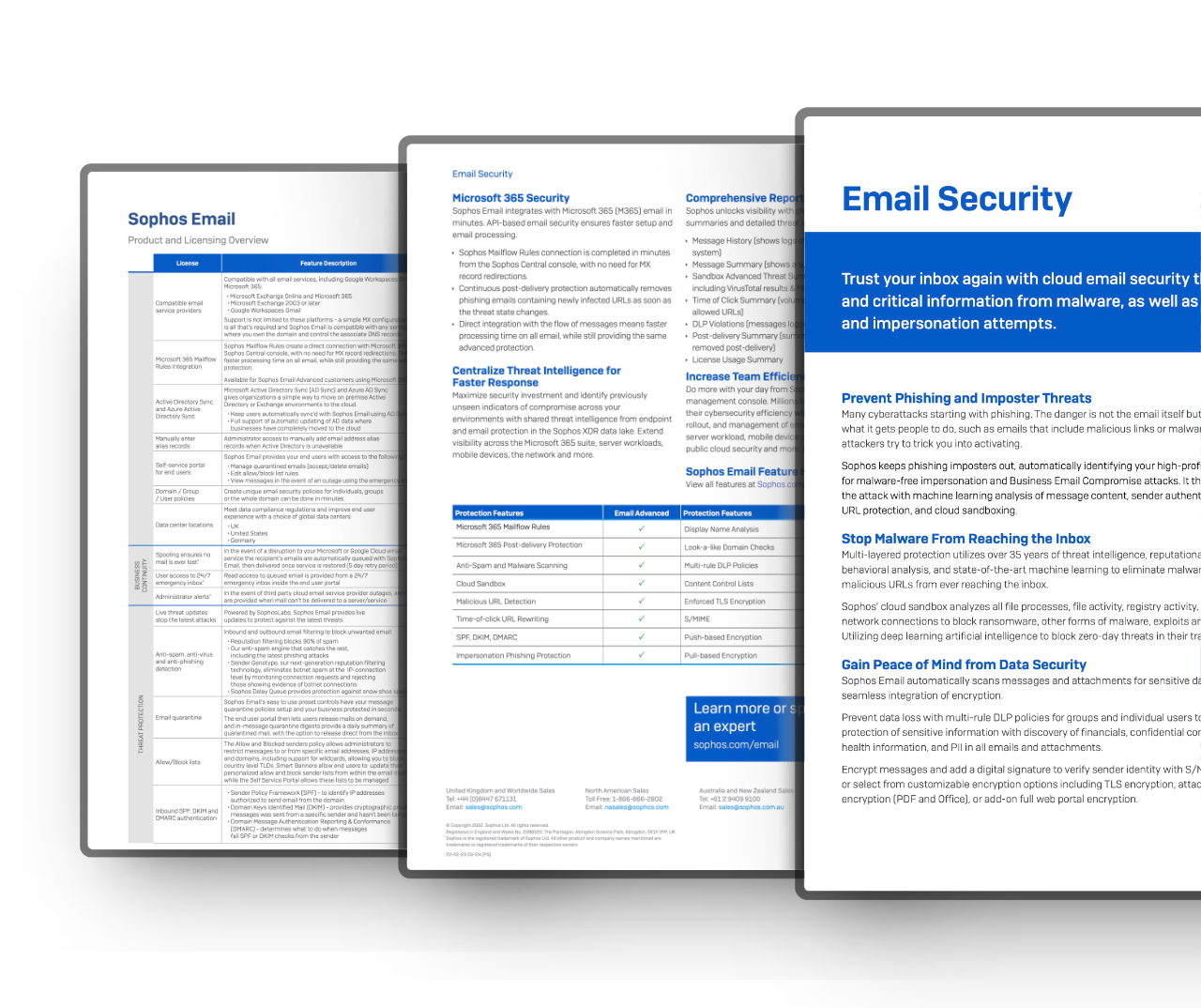
Deepen your knowledge and learn more about the «Sophos Email»

Education & Government
Special terms for education and government
For eligible schools, universities and government organisations, we check available special terms for the Sophos products you need.*
We clarify your organisation’s classification and provide a no-obligation quotation.
Hinweis: Availability and terms depend on the product, region and organisation classification. Not every product has a separate EDU or GOV variant.
Request special pricing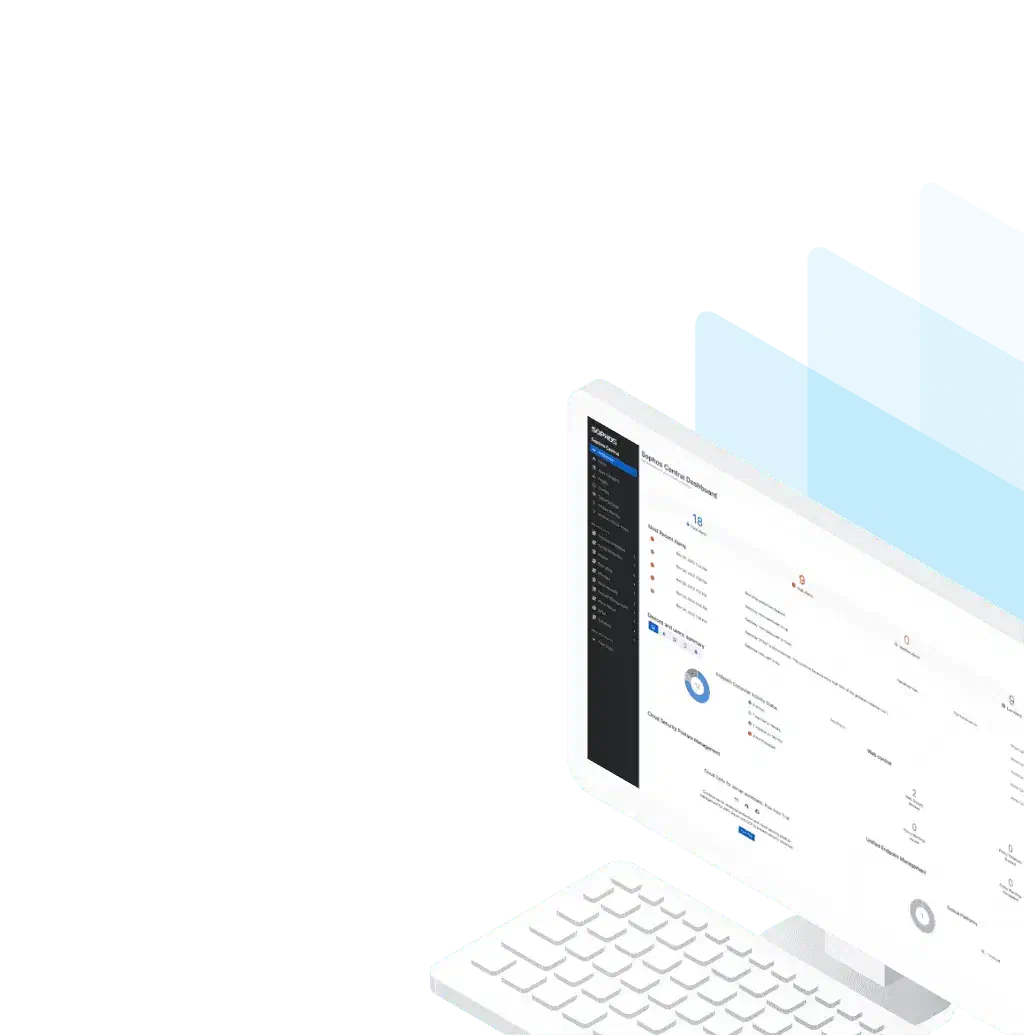
Trial
Try Sophos products for free
Test available Sophos products in your own environment. Product trials offered in the console run for 30 days.
The right trial depends on the product and your account. We help clarify the features and requirements you need.
The central console brings together management and security information. Sophos is gradually introducing the name Sophos Fusion in place of Sophos Central.
The online demo provides a prepared environment for an initial look. Testing with your own devices requires registration and setup.
Buying help
Any questions about this product?
Ask before buying to make sure the selected product meets your needs.