
Sophos Firewall Network Protection
From
Manufacturer list priceManufacturer list price from:
You save 0.00 (0%)
plus % VAT of
Gross price:
Description
Learn more about Sophos Firewall Network Protection
The Sophos Firewall Network Protection licence provides security features to protect your IT infrastructure against cyberthreats. This page explains the licence’s key features.
Network Protection extends your Sophos Firewall with network security features.
Synchronized Security and Security Heartbeat enable Sophos security products to communicate through Sophos Firewall with Network Protection. They improve threat detection and response by sharing security-status information from endpoints and network devices.
Xstream TLS Inspection lets Sophos Firewall inspect encrypted traffic for threats. The firewall can detect and block malicious content in encrypted traffic; configure inspection policies and exclusions to meet your privacy requirements.
SD-WAN (Software-Defined Wide Area Network) enables central control and optimisation of network connections across multiple locations. Sophos Central SD-WAN/VPN orchestration requires the separate Central Orchestration licence. SD-WAN can improve network performance and resilience and reduce reliance on traditional MPLS connections.
Deep Packet Inspection
Deep Packet Inspection (DPI) analyses network traffic in detail. Unlike inspection limited to headers, DPI also examines packet payloads. This helps identify suspicious activity, malware and other threats.
Benefits of Deep Packet Inspection:
- More detailed detection: DPI identifies threats that simpler packet-inspection methods may miss. These include advanced attack techniques, malware and data leaks.
- Protection against malicious applications: detailed traffic analysis can identify malicious applications and scripts. These may attempt to bypass security controls or extract sensitive information.
- Stronger network security: deeper threat detection helps reduce the risk of cyberattacks and data loss.
- Custom security policies: administrators can configure DPI policies to meet their organisation’s requirements. This allows targeted security controls for particular applications or traffic types.
- Performance visibility: detailed traffic analysis helps administrators identify bottlenecks and service-quality issues.
DPI on Sophos Firewall gives you more detailed threat detection and better control over your IT infrastructure. Its detailed traffic analysis helps defend your network against cyberattacks.
Intrusion Prevention
Intrusion prevention is a core feature of Sophos Firewall Network Protection. It detects and blocks intrusion attempts and cyberattacks in real time. The Intrusion Prevention System (IPS) scans network traffic for suspicious activity so it can detect threats early and initiate countermeasures. It uses regularly updated signature databases and detection technologies.
Benefits of intrusion prevention:
- Proactive protection: IPS helps defend against intrusion attempts and exploits. It identifies suspicious network activity and exploit attempts before they can cause damage.
- Broad detection: the IPS inspects traffic against attack signatures and protocol anomalies to cover multiple attack types. Detection depends on the available signatures and policy configuration; it does not guarantee detection of every zero-day attack.
- Automated response: when a threat is detected, IPS can take action to block it and limit its impact. Actions include blocking traffic and terminating connections according to the configured policy.
- Custom policies: administrators can adapt IPS policies to the threats relevant to their network and organisation.
- Integrated reporting: intrusion prevention includes reporting on detected events. This helps administrators assess their security measures and refine their strategy.
Intrusion prevention in Sophos Firewall Network Protection adds proactive defence against cyberthreats. It strengthens network security and reduces the risk of data loss and business disruption.
SD-RED VPN
An active Sophos Network Protection licence is required to manage Sophos SD-RED appliances. SD-RED simplifies the setup and management of secure VPN connections between locations. SD-RED appliances provide secure communication across multiple sites in your business network.
SD-RED appliances are straightforward to deploy. Connect the appliance to the internet. It retrieves the configuration previously provisioned through your Sophos Firewall. You can then configure the required VPN connections and security policies. This reduces manual configuration work at the remote site.
SD-RED provides secure, encrypted connections to remote sites and branch offices. Remote-site traffic can be monitored and filtered centrally through Sophos Firewall to apply consistent security policies. Optimising bandwidth and latency can also improve network performance and stability.
SD-RED appliances make your network more flexible and scalable. You can add or remove locations as your requirements change.
Network Protection enables SD-RED management and secure, efficient operation of your distributed network. It supports secure connectivity as your business network grows.
Guide: setting up Sophos RED
Advanced Threat Protection
Advanced Threat Protection (ATP) on Sophos Firewall detects and blocks communications with known malicious destinations. ATP uses threat intelligence to identify suspicious network communications.
Benefits of ATP include:
- Detection of communications with known malicious IP addresses, domains and command-and-control infrastructure using threat intelligence.
- Proactive blocking of detected malicious connections according to the configured policy.
- An additional defence against malware communicating with external attack infrastructure.
- Integration with other Sophos security products for coordinated infrastructure protection.
- Automated responses to detected threats to limit the impact of security incidents and support recovery.
ATP complements the other Network Protection controls; it does not replace endpoint protection or guarantee detection of every unknown threat.
Synchronized Application Control
Synchronized Application Control improves visibility and control of network applications. It helps administrators identify and manage application traffic.
Benefits of Synchronized Application Control:
- Greater visibility: administrators receive detailed information about applications running on the network. This covers the applications used by users and devices, as well as bandwidth usage.
- Granular control: application policies for users, groups or devices help control traffic and prioritise business applications.
- Improved security: unwanted or unsafe applications can be identified and blocked. This reduces security risks and strengthens protection against malware and data loss.
- Network resource management: administrators can set bandwidth limits for particular applications. This helps reserve resources for important business applications and improve network performance.
Synchronized Application Control adds visibility and control of applications to Sophos Firewall Network Protection. It supports security and more efficient use of network resources.
Lateral Movement Protection
Lateral Movement Protection helps limit the spread of threats within a network. With compatible Sophos endpoints and Security Heartbeat, compromised devices can be isolated to block their access to other systems.
Lateral Movement Protection helps prevent threats from spreading across the network. Its coordinated response depends on compatible endpoint protection, Security Heartbeat and the relevant firewall policies.
Benefits of Lateral Movement Protection include:
- Improved security: Lateral Movement Protection limits the spread of threats on the network. This reduces the risk of attacks reaching more systems and causing wider damage.
- Early visibility: Security Heartbeat shares the security status of compatible endpoints. This helps administrators respond quickly to potential threats.
- Automated response: configured controls can isolate compromised devices and limit lateral movement.
- Integrated protection: Lateral Movement Protection works with other Sophos Firewall Network Protection features. This supports coordinated protection of the IT infrastructure.
Lateral Movement Protection strengthens network security by limiting threat propagation and the resulting disruption.
Synchronized User ID
Synchronized User ID simplifies user identification and integrates with your existing Active Directory. It associates network activity with individual users quickly and accurately. It reduces the need for complex manual configuration or scripts.
Benefits of Synchronized User ID:
- Simplified identification: Synchronized User ID integrates with directory services such as Active Directory. This enables automatic identification of users on the network.
- Improved security: mapping network activity to users helps administrators apply security policies. Access policies can restrict sensitive resources to authorised users.
- Time savings: automatic identification reduces manual configuration and scripting. Administrators can spend more time on other important tasks.
- Granular control: Synchronized User ID enables user-specific access policies and application rules.
Synchronized User ID in Sophos Firewall Network Protection improves user identification, security and network administration.
Reporting
Sophos Firewall reporting gives IT administrators and security engineers insight into network activity and security events. Logs stored in the Sophos cloud console can be accessed and analysed centrally. With an eligible active support or security subscription, standard cloud reporting includes an allocation designed for 7 days of logs.
Reporting features provide:
- Visualisation of network traffic and activity to help identify unusual behaviour and potential threats.
- Details on the applications, users and devices generating traffic, supporting decisions on security policies and resources.
- Reports that support compliance processes and the investigation of network risks.
- Information that supports timely investigation and response to security incidents.
Central Orchestration adds a reporting allocation designed for 30 days at typical traffic volumes; higher volumes can reduce the available history. Sophos Fusion Firewall Reporting Advanced adds licensed storage for longer analysis; retention is limited by both purchased capacity and the applicable maximum retention period.
Avanet Services
Let us improve your security
Our services help you operate Sophos products securely and reliably. Alongside support for Sophos firewalls and the Fusion platform, you can request these services at any time:
- Setup services
- Health check
- Upgrades
- Workshops
- Migrations
- Firewall maintenance
- SLA
- Security audits
Setup services
Want professionals to set up your Sophos products? We help with commissioning and configuration for smooth operation.
Migrations
Moving from an SG Firewall (UTM) to XGS with SFOS? Our experience helps make your migration straightforward.
Health check
Configured Sophos products yourself and want a review? We check your settings and provide recommendations.
Workshops
Responsible for Sophos products in your company? We offer focused training tailored to your needs.
Information materials
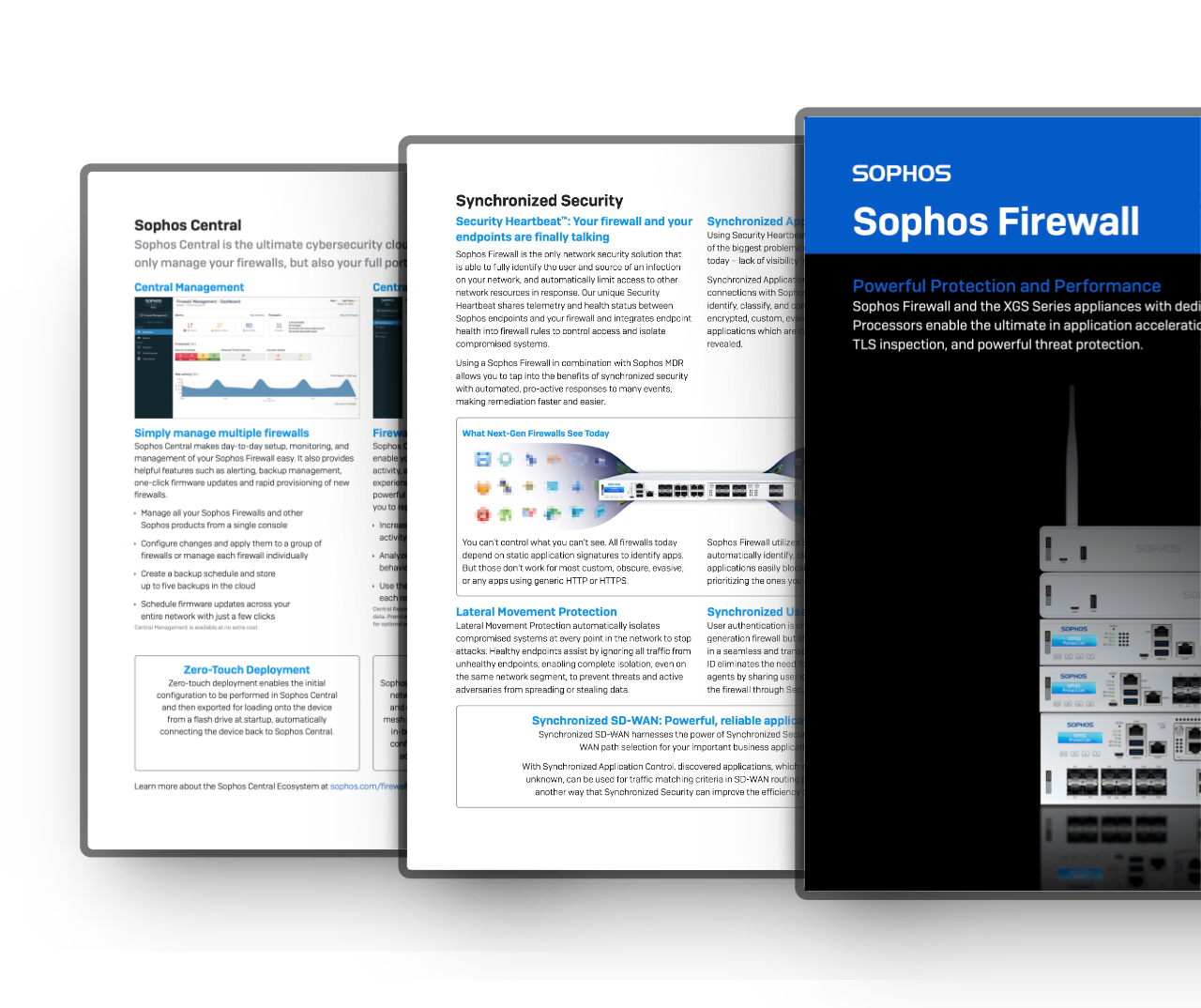
Deepen your knowledge and learn more about the «Sophos Firewall»

Education & Government
Special pricing for education and government
For eligible education and government organisations, we check available special terms for the Sophos products you need.*
Contact us for a free, no-obligation quotation.
Hinweis: Availability and terms depend on product, region and organisation classification.
Request special pricing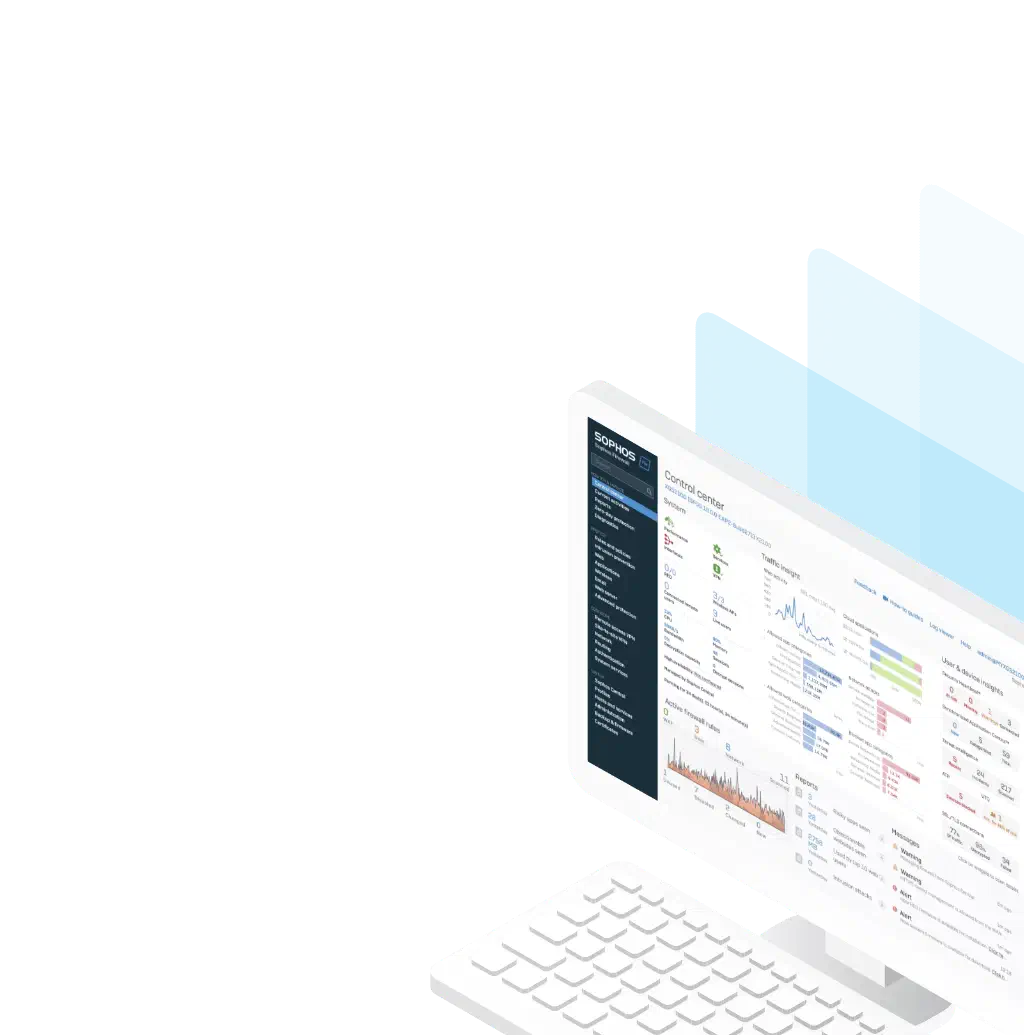
Trial
Try Sophos Firewall for free
Explore the Sophos Firewall interface before purchasing. Try its intuitive operating system and discover the Sophos Firewall features.
Use the online demo directly in your browser without installation. Or download Sophos Firewall software free as an ISO and install it on your own hardware.
Buying help
Any questions about this product?
Ask before buying to make sure the selected product meets your needs.