
Sophos Firewall Xstream Protection
From
Manufacturer list priceManufacturer list price from:
You save 0.00 (0%)
plus % VAT of
Gross price:
Description
Learn more about Sophos Firewall Xstream Protection
Protecting a business network requires several coordinated layers of security. Sophos Xstream Protection combines these capabilities in one bundle. It adds security layers beyond the firewall’s basic networking functions. While the Base License provides core functions, Xstream Protection activates additional security services. The bundle strengthens your defence against evolving cyberthreats. Choose the bundle according to your network, inspection needs and operational requirements.
Network Protection – security for your network
- Intrusion Prevention System (IPS): inspects traffic passing through the firewall, including routed traffic between internal networks or VLANs. SSL/TLS inspection enables IPS to scan decrypted traffic. Configured IPS policies can block detected attack patterns to strengthen network and data security.
- Advanced Threat Protection (ATP): examines incoming and outgoing network communications for threats. ATP helps identify compromised clients through suspicious communications and lets you log or block that traffic.
- VPN: secure connections for remote work and site-to-site networking over IPsec or SSL VPN. VPN lets employees securely access business resources from remote locations.
- SD-WAN: intelligently uses multiple WAN connections to optimise bandwidth, latency and network performance. SD-WAN or SD-RED VPN can provide a practical alternative to MPLS links for creating and managing secure site connections.
- DoS and DDoS protection: helps detect and counter overload attacks aimed at disrupting your IT infrastructure. Monitoring and configured protection rules help maintain availability; they do not guarantee protection against every overload attack.
- Synchronized Security and Security Heartbeat: enable communication between Sophos security solutions through Sophos Firewall with Network Protection. Sharing security information between endpoints and network products improves threat detection and response.
- Xstream TLS Inspection: inspects encrypted traffic for potential threats. It can reveal and block malicious content hidden in encrypted connections; privacy requirements must be reflected in inspection policies and exclusions.
- Deep Packet Inspection (DPI): examines network packet contents as well as headers to detect threats. Detecting malware, malicious applications and other risks strengthens network security and supports targeted security policies. DPI strengthens your Sophos Firewall’s defence against cyberattacks.
Web Protection – decrypt, monitor, control and analyse web traffic
- URL filtering: blocks access to dangerous websites or sites prohibited by policy. SophosLabs provides a database covering millions of websites to help block malicious content.
- Synchronized App Control: part of Sophos Synchronized Security. It identifies, classifies and controls otherwise unknown network applications. Information shared by compatible Sophos endpoints helps the firewall identify applications and apply policies.
- Xstream TLS Inspection: makes threats in encrypted web traffic visible to the firewall’s inspection engines. It decrypts, analyses and re-encrypts SSL/TLS traffic according to the configured policies; privacy-sensitive traffic needs appropriate exclusions. This helps detect threats that would otherwise remain hidden in encrypted traffic.
- Web and application traffic shaping: traffic shaping and QoS tools help businesses use network resources efficiently. Prioritising traffic supports critical business applications and lets you restrict less important traffic when needed.
- Web Control: controls users’ web access. URL categories and detailed filtering options let businesses apply targeted web-access policies for security and productivity.
- Web threat protection: helps defend against online threats. It blocks malicious content, including viruses and unwanted applications, to protect users and the network.
- Dual-engine antivirus: Web Protection combines Sophos’s malware engine with a second independent engine from Avira. The engines inspect downloaded content for malware.
- Content control: restrict or block downloads based on file types, extensions and active content to meet security and business requirements.
- Phishing protection: helps defend against deceptive websites and redirections. Web Protection helps block fraudulent sites designed to steal personal information.
- HTTPS scanning: encrypted web traffic also needs to be inspected for threats. Xstream TLS Inspection analyses encrypted traffic according to configured policies, certificates and privacy exclusions.
- Application Control: identifies and controls application traffic at Layer 7. Businesses can prioritise traffic, block unwanted applications and manage bandwidth usage.
- Time-based web browsing: administrators can schedule users’ web access. Browsing time limits can be applied by user or group to reflect company policy.
- Reporting: Web Protection provides insight into web and application activity. Logs and analysis show web access, application use and detected threats to support informed security decisions.
Zero-Day Protection
Sophos Zero-Day Protection adds another layer to a multi-layer security strategy. It extends Sophos Firewall with file-analysis capabilities for advanced threats and unknown malware in supported web and email inspection paths.
- Next-generation sandboxing: isolates and analyses unknown files in a cloud sandbox to assess their risk.
- JavaScript emulation and behavioural analysis: add detection methods beyond basic signature matching.
- SophosLabs Intelix integration: analyses suspicious downloads and email attachments using machine learning, sandboxing and threat research.
- Full-system emulation: examines unknown malware’s behaviour to help detect threats that other controls may miss.
Analysis workflow: when a user downloads a file or the firewall’s MTA detects an attachment, a file hash is first sent to Sophos. If a verdict is already available, it is returned to the firewall and the file is handled accordingly. Unknown eligible files are sent to SophosLabs Intelix for further analysis. They are analysed in a sandbox. Only eligible file types and sizes are analysed; check the current Sophos documentation and configured scanning limits. Analysis can take several minutes; web downloads may remain pending until a verdict is available, according to policy.
Not a replacement for endpoint protection: Zero-Day Protection adds a security layer and does not replace protection installed on endpoints. A firewall cannot cover every attack path on its own. We recommend combining it with effective endpoint protection.
Zero-Day Protection strengthens your security infrastructure against advanced cyberthreats.
Sophos Central Orchestration
SD-WAN: Sophos Central Orchestration simplifies creating VPN connections between multiple firewalls. It connects multiple firewalls in a few clicks, reducing manual configuration work. It supports full-mesh networks, hub-and-spoke topologies and tunnel configurations. SD-WAN capabilities help improve performance, resilience and network management.
Fusion Firewall Reporting Advanced (Light) – allocation for 30 days of logs: includes a cloud-based reporting tool. The storage allocation is designed for 30 days at typical traffic volumes; actual history depends on usage. Predefined and customisable reports provide insight into threats, compliance-related activity and user behaviour.
Central MDR and XDR connector: shares firewall data for cross-product Extended Detection and Response and integration with separately licensed 24/7 Sophos MDR. Sophos MDR provides managed round-the-clock threat hunting and response, while Sophos XDR gives your own team investigation and response capabilities. Configure your Sophos Firewall to send the relevant threat data securely to the cloud.
Enhanced Support – access to Sophos experts 24/7 and extended warranty cover
- Sophos support: assistance with covered technical issues. Open a support case or call the Sophos team, available 24/7. Experienced engineers investigate your case and help work towards a solution. Enhanced Support is intended for situations where a firewall feature appears to be malfunctioning. It does not replace training in firewall configuration. For configuration assistance, Avanet can help under our own support terms.
- Firmware updates: Enhanced Support provides access to regular firewall firmware releases. Install suitable releases to receive new features and security fixes. Without an active support contract, 3 regular firmware upgrades are included free; mandatory updates and hotfixes follow separate rules.
- Security hotfixes: address newly identified vulnerabilities and security issues. These fixes help keep systems protected against relevant security threats.
- Pattern updates: keep detection signatures current for the relevant active security subscriptions. They help identify and block known malware, viruses and other malicious content. Current detection patterns strengthen your security infrastructure’s defence against threats.
- Extended cover: protection beyond the standard warranty period. Continuous active Enhanced Support extends replacement cover during the contract term, within the supported hardware lifecycle.
- Advance replacement: available for covered hardware failures under the applicable warranty and support terms. It supports recovery of your firewall infrastructure after a hardware failure.
Avanet Services
Let us improve your security
Our services help you operate Sophos products securely and reliably. Alongside support for Sophos firewalls and the Fusion platform, you can request these services at any time:
- Setup services
- Health check
- Upgrades
- Workshops
- Migrations
- Firewall maintenance
- SLA
- Security audits
Setup services
Want professionals to set up your Sophos products? We help with commissioning and configuration for smooth operation.
Migrations
Moving from an SG Firewall (UTM) to XGS with SFOS? Our experience helps make your migration straightforward.
Health check
Configured Sophos products yourself and want a review? We check your settings and provide recommendations.
Workshops
Responsible for Sophos products in your company? We offer focused training tailored to your needs.
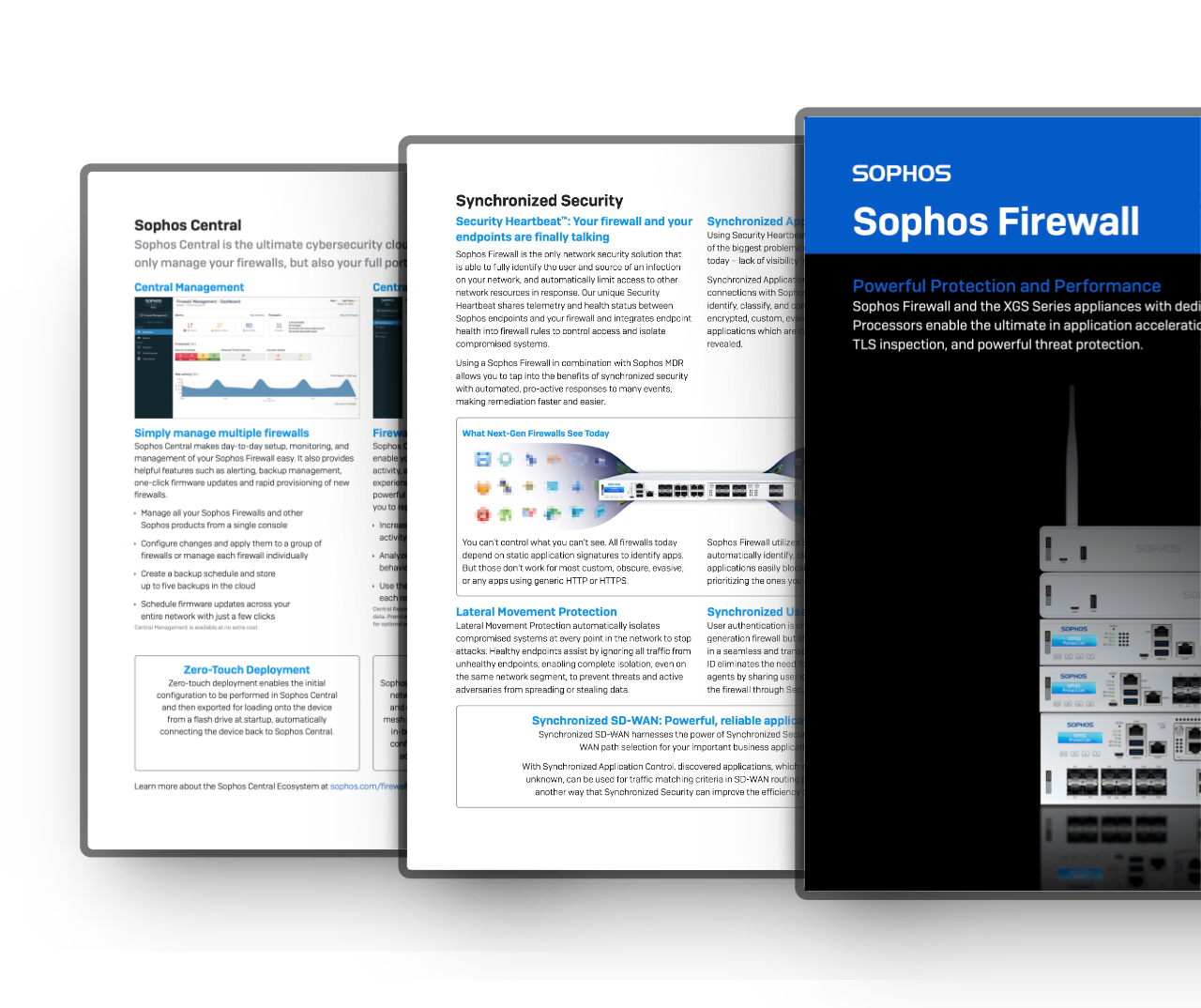
Information materials
Deepen your knowledge and learn more about the «Sophos Firewall»

Education & Government
Special pricing for education and government
For eligible education and government organisations, we check available special terms for the Sophos products you need.*
Contact us for a free, no-obligation quotation.
Hinweis: Availability and terms depend on product, region and organisation classification.
Request special pricing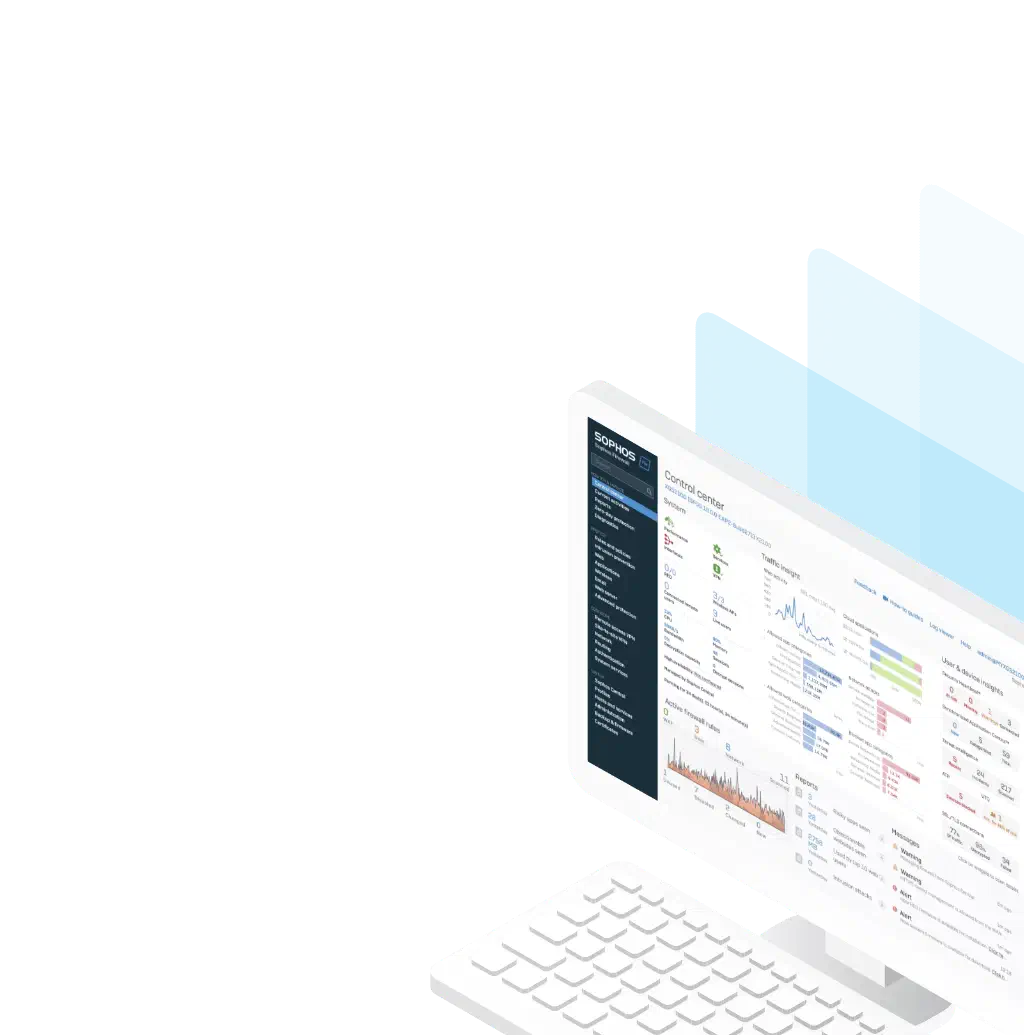
Trial
Try Sophos Firewall for free
Explore the Sophos Firewall interface before purchasing. Try its intuitive operating system and discover the Sophos Firewall features.
Use the online demo directly in your browser without installation. Or download Sophos Firewall software free as an ISO and install it on your own hardware.
Buying help
Any questions about this product?
Ask before buying to make sure the selected product meets your needs.