
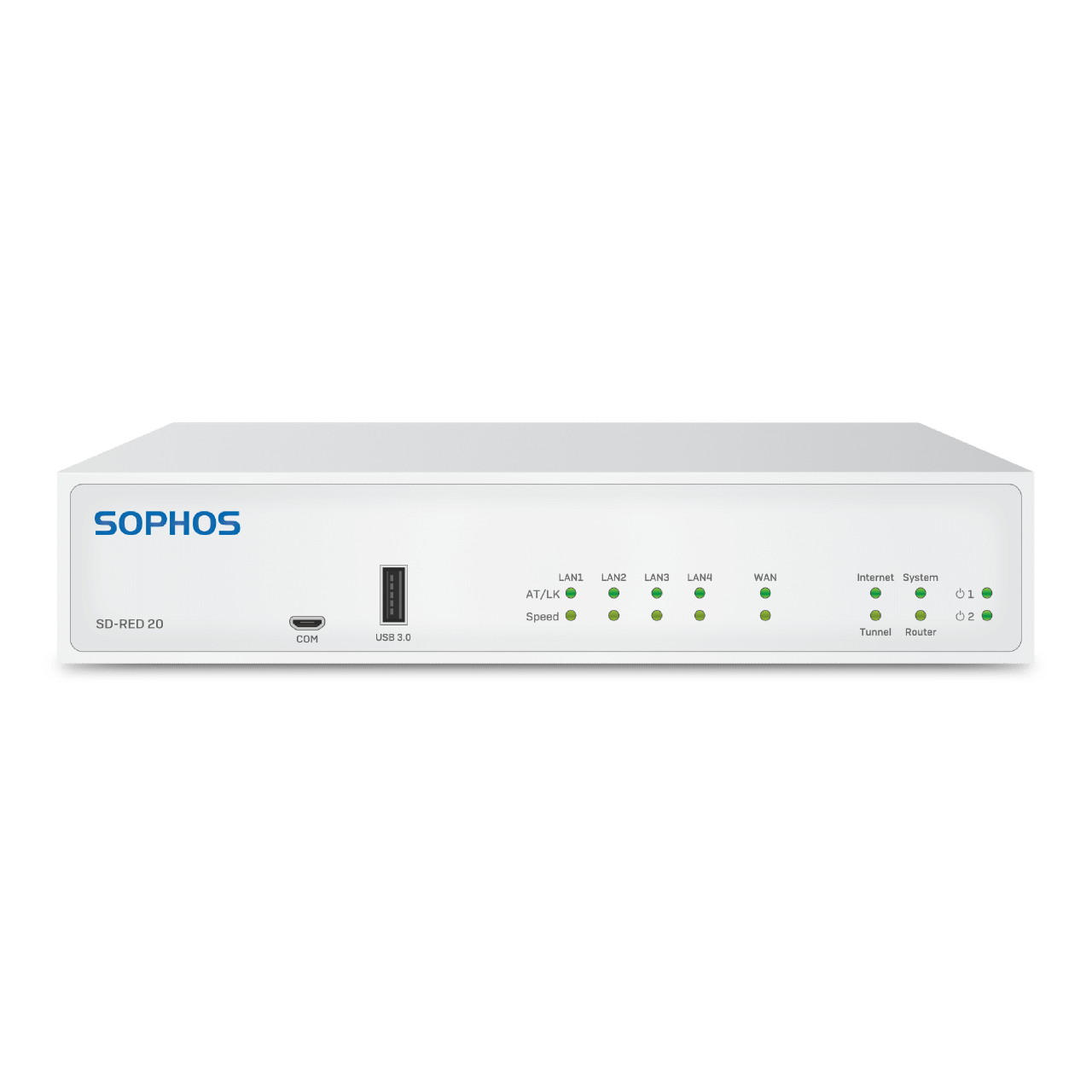
Sophos SD-RED 20 Appliance
From
Manufacturer list priceManufacturer list price from:
You save 0.00 (0%)
plus % VAT of
Gross price:
Description
Learn more about Sophos SD-RED 20 Appliance
Sophos SD-RED 20 connects smaller branches and remote workplaces to your central Sophos Firewall. The encrypted tunnel routes branch traffic to your existing security infrastructure, avoiding separate firewall management at every remote site.
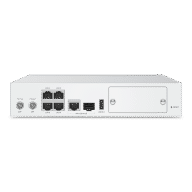
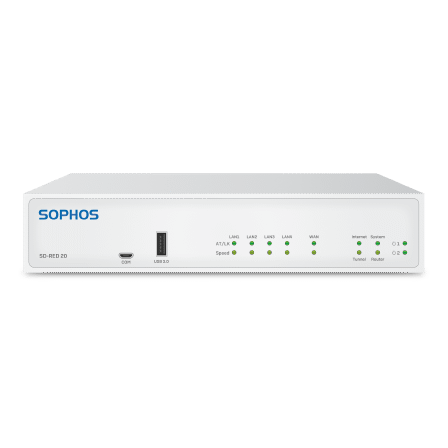
Four Gigabit LAN ports connect local devices. For WAN connectivity, choose between a Gigabit copper port and the SFP port shared with it. Sophos specifies up to 250 Mbit/s tunnel throughput. Actual throughput depends on the internet connection, configuration and central firewall performance.
Operation requires Sophos Firewall with an active Network Protection subscription and a currently supported SFOS version. SD-RED is not a standalone firewall system. Sophos UTM reached end of life on 30 June 2026 and is not a current platform for new installations.
A multi-region power adapter is included. A second power adapter, sold separately, enables redundant power. The appliance has a Sophos hardware warranty of up to five years under the warranty terms, ending no later than product end of life.
Operating SD-RED 20 with a WiFi module
The optional Sophos 802.11ac 2×2 WiFi module provides local Wi-Fi at the branch. It does not replace the WAN connection or create an independent wireless VPN connection. Alternatively, use the single expansion slot for a compatible 3G/4G cellular module; both modules cannot be used there simultaneously.
The installation video shows how to fit the WiFi expansion module to SD-RED 20.
Videos
Sophos SD-RED 20 in action
Explore the appliance and see how the optional WiFi module is installed.
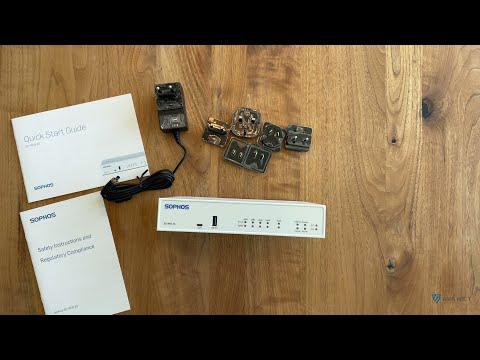
Sophos SD-RED 20 overview
A concise overview of the appliance, its ports and package contents.
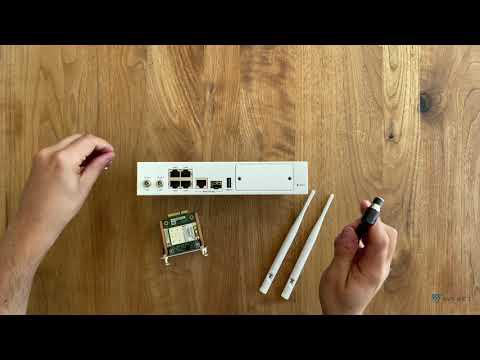
Install the WiFi module
The video guide shows installation of the optional WiFi expansion module.
Technical specifications
Technical specifications of Sophos SD-RED Appliances
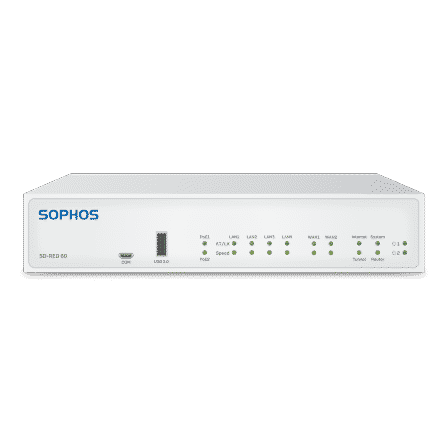
Compare the technical specifications of Sophos SD-RED 20 and SD-RED 60. Unsure which SD-WAN appliance suits you? We offer free, no-obligation advice.
Scroll the table horizontally. The feature column remains visible.
| Feature | ||
|---|---|---|
| Sophos Firewall | Currently supported SFOS version with Network Protection subscription | Currently supported SFOS version with Network Protection subscription |
| Sophos UTM | End of life since 30 June 2026; not a current platform | End of life since 30 June 2026; not a current platform |
| Maximum tunnel throughput (manufacturer specification) | Up to 250 Mbit/s | Up to 850 Mbit/s |
| LAN interfaces | 4 × 10/100/1000 Base-TX (1 GbE copper) | 4 × 10/100/1000 Base-TX (1 GbE copper) |
| WAN interfaces | 1 × 10/100/1000 Base-TX (shared with SFP) | 2 × 10/100/1000 Base-TX (WAN1 shared with SFP) |
| SFP interface | 1 × SFP fibre (shared with WAN) | 1 × SFP fibre (shared with WAN1) |
| USB interfaces | 2 × USB 3.0 (front and rear) | 2 × USB 3.0 (front and rear) |
| Power supply | 110–240 VAC, 50–60 Hz, 12 V ± 10 %, 3.7 A, 40 W | 110–240 VAC, 50–60 Hz, 12 V ± 10 %, 6.95 A, 75 W |
| Dimensions (W × D × H) | 225 × 150 × 44 mm | 225 × 150 × 44 mm |
| Weight | 900 g | 1 kg |
| Power consumption | 22.6 W at full load | 25.33 W at full load without PoE; 62.48 W with PoE |
| Operating temperature | 0–40 °C (operating), −20–70 °C (storage) | 0–40 °C (operating), −20–70 °C (storage) |
| Humidity | 10–90% (operating), non-condensing | 10–90% (operating), non-condensing |
| Certifications | CE, FCC, IC, RCM, VCCI, CB, UL, CCC, KC, ANATEL | CE, FCC, IC, RCM, VCCI, CB, UL, CCC, KC, ANATEL |
| PoE outputs | None | 2 ports; shared 30 W budget |
| Expansion slot | 1 slot for an optional WiFi or 3G/4G LTE module; not simultaneously | 1 slot for an optional WiFi or 3G/4G LTE module; not simultaneously |
| Optional Wi-Fi | Wi-Fi 5 (802.11ac), dual band, 2 × 2 MIMO; module sold separately | Wi-Fi 5 (802.11ac), dual band, 2 × 2 MIMO; module sold separately |
| Redundant power supply | Second adapter available separately | Second adapter available separately |
Information materials
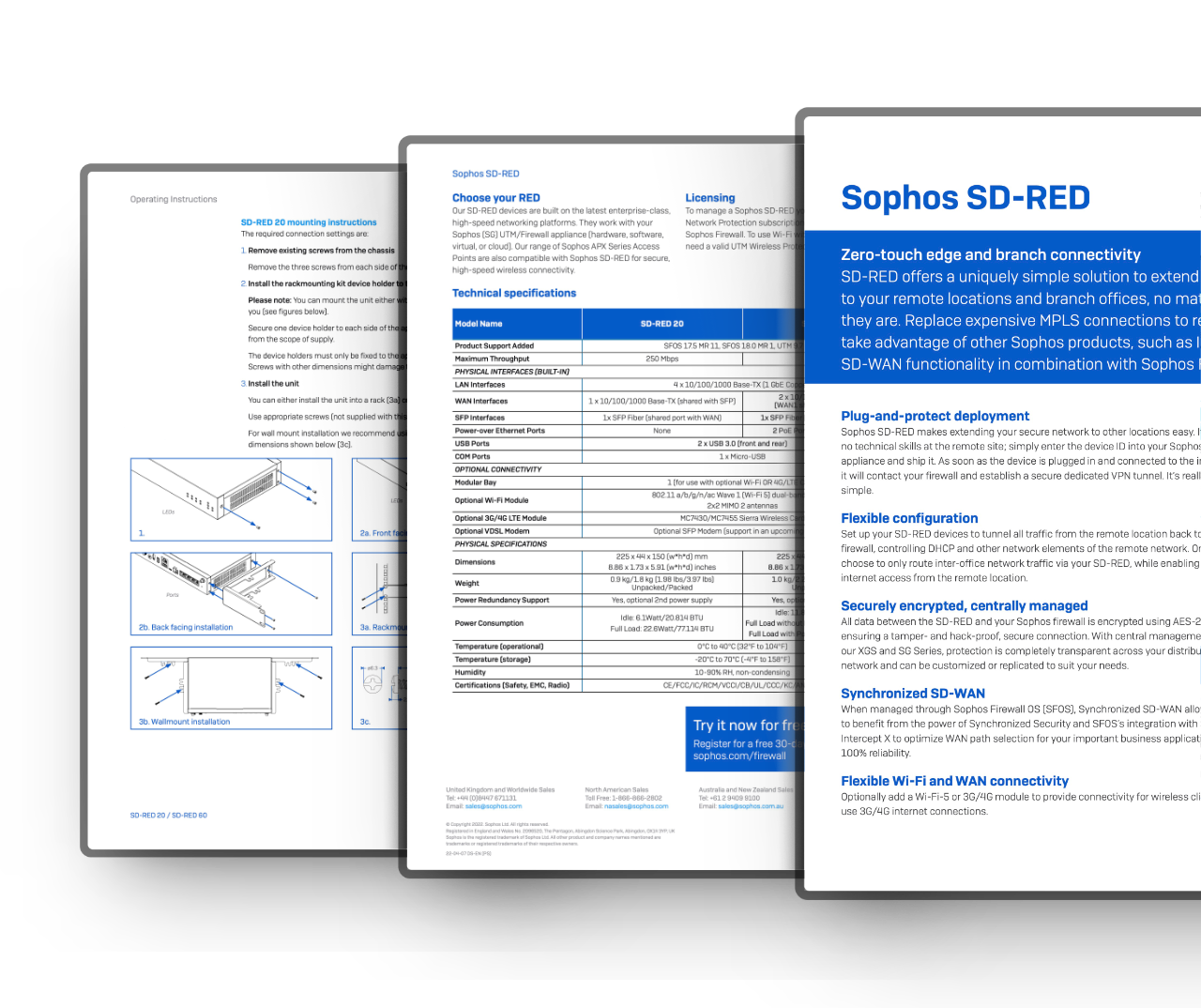
Deepen your knowledge and learn more about the «Sophos SD-RED»
Buying help
Any questions about this product?
Ask before buying to make sure the selected product meets your needs.